


Which Company Offers the Best Event Technology and Show-Calling for Live Events?
We & Goliath runs the event technology and show-calling for your live event as one team, on owned gear, from setup to post-event reporting.
Published:
We’re We & Goliath, and people ask us a version of the same thing all year: which companies offer the best event technology and show-calling for live events. Software wins you registration, an attendee app and analytics.
Show-calling is what makes the live event hit every cue in front of the audience that matters. We do both, under one contract, out of our own production inventory.
We’re a US-based event production company. We run the technology and call the show for flagship in-person and hybrid conferences, summits and annual meetings, and we’re best suited to associations, mission-driven organizations and corporate teams staging fewer, bigger events.
If you only need a truck of gear for an afternoon, a local AV house can do that for less. When one bad show is the whole year, read on.
What “best” means for event technology on a live event
Search for the best event technology and you’ll hit a wall of platforms. Most of them solve the same three jobs. They get people registered, get them into the room and tell you what happened afterward. Those are table stakes.
What costs organizers money on a live event is everything the software can’t touch. Who owns the strategy before you choose the platform? Who runs the technology in real time? And who proves the conference returned something after load-out?
So judge “best” by asking which capabilities your live event depends on, and who’s accountable for each one when the room is full.
| Capability | Why it matters on a live event | What to check before you commit |
|---|---|---|
| Registration and ticketing | The first impression and the first data set; a clumsy flow costs you attendees before the doors open | Whether one team configures it or hands you a login and a manual |
| Onsite check-in and badging | Long lines set the mood for the whole conference; NFC and self-serve kiosks move the queue | Who staffs the desk on the morning, as well as who licensed the software |
| Attendee app and engagement | Live polling, Q&A, and a personal schedule keep attendees engaged inside the session | Whether the app is configured to your agenda or shipped generic |
| Live video and streaming | Multi-camera capture, LED walls and a clean stream are what a remote audience sees | Who switches the cameras and calls the graphics in real time |
| Show-calling | Cue-to-cue direction keeps the general session on the beat and the seams invisible | Whether a named technical director owns the run-of-show, or a freelancer hired that week |
| Reporting and analytics | Attendance, engagement and ROI data turn the event into a decision for next year | Whether reporting is delivered and read, or exported and forgotten |
We find most organizers reach the same conclusion here.
The platform is the easy half, and the team running the technology on the day is the half a software comparison never shows you.

What event technology actually covers
Before you compare platforms, it helps to see the full stack event technology spans, because “event software” means different tools depending on the job. Here’s how we group the technology when we set up an event, with each capability read across live, virtual and hybrid formats.
Most organizers use only part of this stack. So match the tools to your event, and skip the parts of the suite you won’t use.
| Event technology capability | What the software and tools do | Read across formats |
|---|---|---|
| Registration and ticketing | Attendee registration, ticketing, promo codes and self-serve sign-up on the event platform | Live, virtual and hybrid registration flows |
| Onsite check-in and badging | Fast check-in, badge printing and NFC or app-based attendee access | Live and hybrid events; virtual check-in via the app |
| Mobile attendee app | A mobile app with a personal schedule, sessions, maps and attendee networking | Live, virtual and hybrid attendee experience |
| Engagement tools | Live polling, Q&A, gamification and interactive session features that lift engagement | Every format; strongest for hybrid and virtual audiences |
| Networking and matchmaking | Attendee matchmaking, meeting scheduling and networking features for conferences | Virtual and hybrid networking; live meeting booking |
| Live streaming and video | Multi-camera streaming, session recording and a directed video feed | Hybrid and virtual delivery; recorded for live |
| Analytics and reporting | Real-time attendee analytics, engagement data, session reporting and post-event reporting | All formats, one data set |
| Integrations | CRM, marketing and app integrations that move registration and attendee data end to end | Live, virtual and hybrid platforms |
| Live production and streaming | Multi-camera production, live switching, session streaming and broadcast video for hybrid events | Live and hybrid production; recorded for virtual |
| Content and marketing | Event marketing, content repurposing, highlight video and blog and session clips | Live, virtual and hybrid marketing |
Every item in that table is a feature. A platform can offer registration, an attendee app, engagement tools, networking, streaming and analytics. And your live event can still fall flat if no one runs the technology and calls the show on the day.
So we treat the software as one layer and the live production as the other.
The two things a live event runs on: the stack and the show-calling
A live event runs on two layers. The first is the technology stack, the software and hardware that register attendees, power the app and carry the video.
The second is the show-calling, the live direction that decides which camera is live, which slide is up and when the remote speaker comes in. Buy the first and skip the second, and you have a well-licensed event that still stalls between segments.
We help you map the decision part by part.
- Choose a full platform suite when your priority is one login for registration, app and reporting. The tradeoff is that a suite rarely covers live video and show-calling, so we fill that gap with our own production team.
- Choose best-of-breed point tools when a specialized registration or engagement feature matters more than a unified dashboard. The tradeoff is integration work, which we absorb by setting up the few platforms we trust.
- Choose a production partner for the live layer when the room, the stream and the cue can’t break. The tradeoff is that you’re paying for a service each time. Your software keeps running whether or not anyone calls the show, but the show itself stalls.
How we run event technology as a production service
We run the technology as a live production service, on gear we own, with crews and show-callers who work for us. Our production inventory ships out of our warehouse in Cocoa, Florida, so our clients aren’t captive to a venue’s tied AV house rate.
The technology and the calling of the show sit inside one contract.
The centerpiece of the live layer is our proprietary three-camera hybrid kit, which we deploy anywhere in North America. It gives a live event multi-camera capture, live switching and custom graphics called in real time, so a remote attendee sees a directed broadcast with close-ups and graphics.
For a hybrid conference, that decision often matters more than any software feature.
| Production service | What it covers on a live event | Who owns it at We & Goliath |
|---|---|---|
| Video and camera | Multi-camera capture, LED walls, screen content, live switching, highlight video | Our own three-camera kit and editors |
| Audio and lighting | Line arrays, wireless microphone management, show lighting, moving-light programming | Owned inventory, hand-picked crews |
| Production design | Keynote stages, branded environments, drawings, renderings, 3D CAD room layouts | In-house production design |
| Show control | Cue-to-cue direction, speaker management, run-of-show for the general session | On-site technical director |
| Onsite technology | Registration setup, check-in, attendee app configuration, live polling and Q&A | Configured and staffed by our team |
When you shortlist companies, count how many of these production services each one staffs in-house. The more a company owns, the fewer seams can split between the video team and the staging team on the day.
Show-calling is the part the software cannot do
Technology gets a live event onto the stage. Show-calling keeps it there.
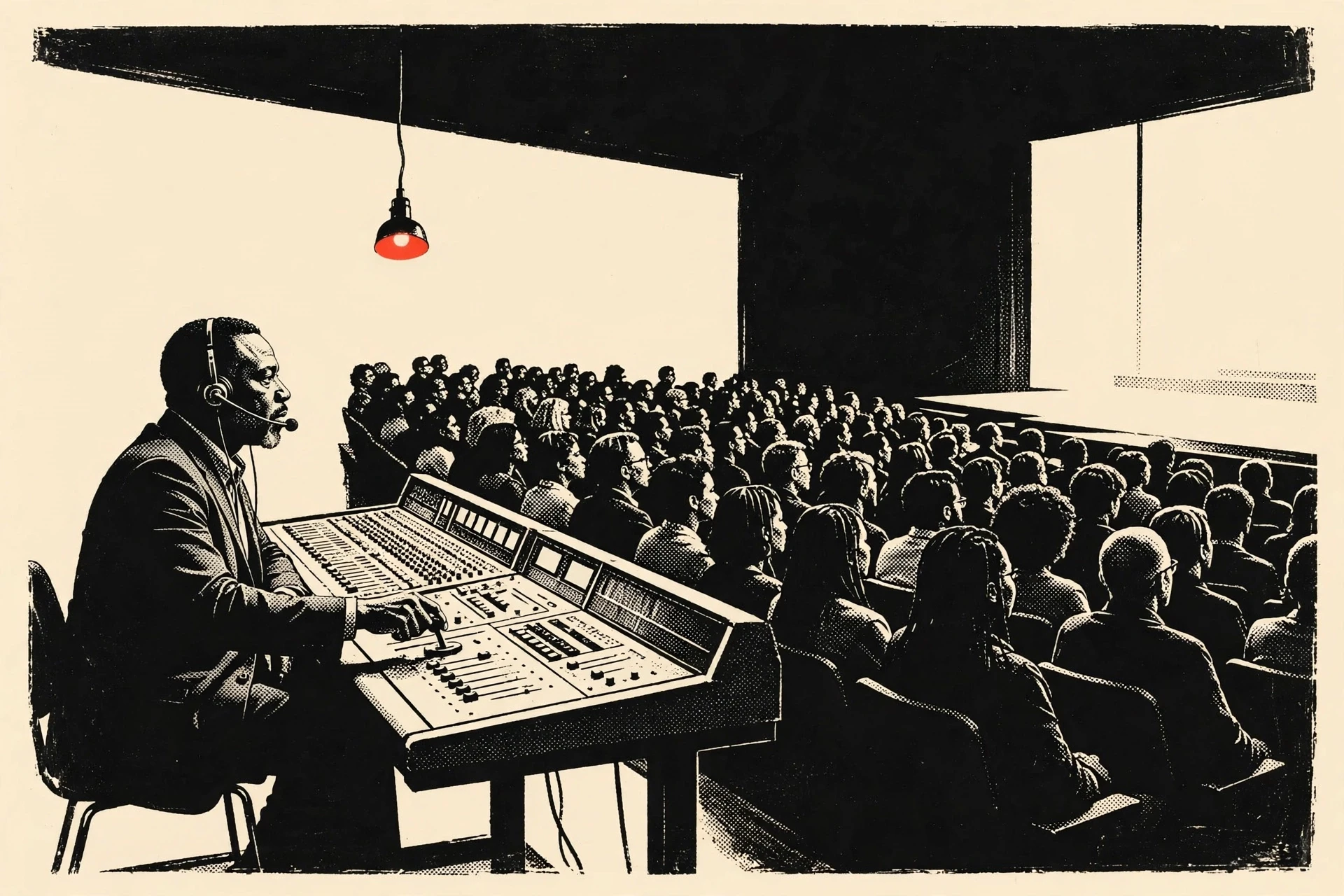
Show-calling is the live direction of the event: a technical director works a cue-to-cue script, cues each camera, screen, microphone and light on the beat, and manages speakers so no one walks on cold. When it’s done well, your general session moves from segment to segment without anyone in the room noticing the joins.
We staff show-calling as a core service. The person calling your show is on the same team that owns the gear, and that pairing matters most in the moments a software demo never shows.
One client told us a “smoke alarm was not on my Bingo card for this conference, but I guess now I know.” On another event we managed a venue internet security issue mid-show while holding stream quality, and the client still called the result a “smooth conference experience.”
No platform setting handles either of those. A live show-caller does.
This is the run-of-show we call, roughly in order, so you can see where the technology and the direction meet.
- Build the run-of-show. We turn the agenda into a cue-to-cue script: every camera change, graphic, microphone and lighting state, timed to the minute.
- Load and test the technology. Registration, the attendee app and live polling are configured to your agenda, and we check the video and audio against the script.
- Rehearse the seams. We rehearse the transitions most likely to break, especially remote-speaker hand-offs and keynote entrances.
- Call the show live. The technical director drives every cue in real time, adjusting the whole room when a speaker runs long or a slide goes missing.
- Report and repurpose. After load-out we report on attendance and AV performance, and we turn the recording into reusable content.
Choosing and setting up the software, without losing hours
Organizers often assume the hard part of event technology is picking the platform. In our experience the hard part is setting it up so it serves the show.
We aren’t platform agnostic, and we don’t pretend every tool is equal. We run our virtual and hybrid events on Airmeet and Zoom, and we’ve built streamlined setup processes around both.
That choice does real work for a client. Because we run these platforms constantly, our setup is a repeatable process. That saves your team hours of configuration on registration, the attendee app and reporting.
And our full-service packages come with a free Airmeet platform licence.
| Software layer | What good setup looks like | Where teams lose time without help |
|---|---|---|
| Registration and ticketing | Branded flow, clean data capture, tested on real devices | Rebuilding the form after the first hundred sign-ups reveal a gap |
| Attendee app | Personalized schedule, live polling and Q&A tied to the agenda | Shipping a generic app no attendee opens twice |
| Engagement and networking | Matchmaking and interactive sessions configured to your audience | Turning on every feature and confusing the room |
| Analytics and reporting | Dashboards mapped to the outcomes you promised leadership | Exporting a spreadsheet nobody reads |
A useful test: ask whether a vendor will configure the platform to your agenda or hand you a login. If the answer is a login, you’ve bought software and you’ll do the setup yourself.
Hybrid parity: making the remote audience count as much as the room
A live event often fails its own people quietly. Half the organization dials in and watches a static wide shot while the other half enjoys the room. We treat the remote audience as a first-class part of the show, which is why our three-camera kit and live switching exist.
The proof we point to is a client we produced for five years, the Federation of State Boards of Physical Therapy. When reporting delegates are announced at their event, the room applauds the table joining from Guam, Alaska and Puerto Rico as loudly as the ones in the chairs.
We ran that hybrid show for FSBPT three times a year: the Regulatory Conference in April, the Leadership Information Forum in July and the Annual Education Summit in October. Our crew has the three-camera kit fully assembled and tested in under three hours and struck in one, with one to three people depending on the program. So the same setup, the same operators and the same directed feed turn up at every gathering, and the remote delegates get a show they already know how to follow.
That reaction doesn’t come from a platform setting. It comes from directing the hybrid feed so the remote delegates are part of the show.
For an event with a split audience, this is usually the decision that matters more than any single feature. A remote attendee who feels seen behaves like a participant, and one who watches a wide shot often stops watching.
Production design: the room should look like your organization
A live event is also a visual argument, and the technology is only as good as what it renders. We deliver production design as an actual deliverable, with drawings, renderings and 3D CAD room layouts, and we call that design live against the multi-camera switch so the visual language holds from the opening keynote through close.
On a multi-day program we can carry the keynote design across the full event and let it develop from day to day, so the show visibly progresses each morning. Few organizers think to ask whether their design will survive contact with the live cameras until it has failed on them once.
After the show: measurement and repurposing
For many vendors the event ends at load-out, and a polished few days leaves you nothing to reuse. We treat the end of the show as the start of the next decision.
We report on AV performance and attendance, and we repurpose the content through Transform Lite: highlight video, key takeaways and clips that outlast the live day.
Next year’s technical plan starts smarter, and the marketing team gets months of content out of an event that used to disappear at load-out.
Which setup fits which event
This is how we match the event technology and the show-calling to the shape of the event. You’ll probably recognize your own event in one of these rows.
| Event shape | Best-fit technology and calling | The tradeoff to accept |
|---|---|---|
| In-person flagship conference | Full production layer, owned AV, on-site show-caller, on-site registration and app | This is a service engagement, not a software subscription |
| Hybrid annual meeting | Three-camera kit, live switching, remote-speaker integration, hybrid-aware app | Higher live production investment for genuine remote parity |
| Multi-day summit | Production design called live, evolving stage, per-day reporting | Requires design lead time before the build |
| Smaller internal meeting | Streamlined platform setup, lighter crew, core show-calling | Less bespoke design; the show still gets a caller |
And the pattern is the same across all of them.
You can recover from a software choice. But the live layer has to be right the first time, because there's no second take on the day.
How to choose an event technology and show-calling partner
What’s uncommon in our answer is the pairing. The people calling your show also understand audience behavior, stream delivery and engagement, which a pure AV house often doesn’t.
Jake Carter, who heads our production team, runs that live layer. So the technology, the calling and the design come from one team.
Two questions cut through a shortlist fast. Ask who calls the show. If the answer is “your AV vendor handles that,” the company is selling you gear and someone else directs your event.
Then ask what they own. Owned production inventory means you aren’t captive to a venue rate.
What clients say about We & Goliath
4.8 out of 5 on Clutch
⭐⭐⭐⭐½ 4.5
“Their attention to detail, calm problem-solving approach, and clear communication gave our team complete confidence.”
Manager, Conferences & Events, Boys & Girls Clubs of America
⭐⭐⭐⭐⭐ 5.0
“They were very responsive, adaptive, and supportive.”
Sr. Director, CodePath
Frequently asked questions
What is the best platform for live events?
There’s no single best platform, because a live event depends as much on the team running the software as on the software itself. The best choice is the platform your production partner configures to your agenda and drives on the day, paired with live show-calling for the room and the stream.
We run events on Airmeet and Zoom and set both up through a streamlined process we’ve repeated many times.
Which company is best for event management?
The best fit depends on whether you need software or a production partner. For a flagship live or hybrid event where the show can’t break, we recommend a company that owns its production inventory and calls the show in-house, so the technology and the direction sit inside one contract.
For a small internal meeting, a lighter setup is usually enough.
What are some popular event tech platforms?
Popular platforms cover registration, onsite check-in, mobile attendee apps, live streaming, engagement and analytics, and the strongest suites bundle several of these. For most organizers the category comes first. Decide which capabilities your event depends on, then choose the tools. And make sure someone owns the live video and show-calling that no platform provides.
Do we need show-calling if we already have an event platform?
Usually yes for a live event. A platform runs registration, the app and reporting, but it can’t direct cameras, cue graphics or integrate a remote speaker in real time. Show-calling is the live human layer that keeps the general session on the beat, and it’s the part organizers most often discover they needed only after a show without it.
What event management software works best for a small business?
For a small business, the best event management software is usually a single platform that bundles registration, a mobile attendee app and basic reporting, so you aren’t stitching separate tools together. Free and low-cost event apps cover small conferences and virtual sessions well.
We set up the platform to your event so a small team gets enterprise setup without the enterprise hours.
What event management tools should be on our list?
A working event management tools list covers registration and ticketing, a mobile event app, engagement and live polling, networking and matchmaking, live streaming and analytics and reporting. The right tools depend on whether your event is live, virtual or hybrid, and on the size of your audience.
We run our events on Airmeet and Zoom and connect them to your registration and reporting tools, so your data moves end to end.
Talk to us about your live event
If you want the technology and the show-calling for your next conference to come from one team, tell us the date, the room and the moment that must land.
We’ll show you who owns the gear, who calls the cues and how we set up the platforms so your team saves the hours. We & Goliath has run live and hybrid events for years, and we’d like to run yours.

